
Have you ever tried to play one of your favorite childhood games, only to find that it no longer works on your shiny new computer? Maybe you've built your dream gaming rig, stacked with the latest hardware, and you’ve dusted off the old CD of that beloved game you spent hours on as a kid. But when you insert it into your PC, nothing happens—or worse, you get an error that makes you realize the game is simply not compatible with modern systems. This is an all-too-common problem that gamers are facing today.
But why does it happen and how to prevent it? Let’s talk about it.
Why do games from the past often don’t work?
As technology has evolved, the way video games are developed and run on systems has changed dramatically. New operating systems like Windows 10 and 11, are built on entirely different architectures than the systems of the past. The games that ran smoothly on Windows 98, XP, or Windows 7 often struggle to function on newer systems, if they work at all.
The problem gets worse by the fact that classic games were often designed with specific hardware in mind. Back then, graphics cards, sound cards, and even input devices were less standardized than they are today. Trying to run an older game on modern equipment may cause compatibility issues, as the game simply doesn’t know how to communicate with new hardware.
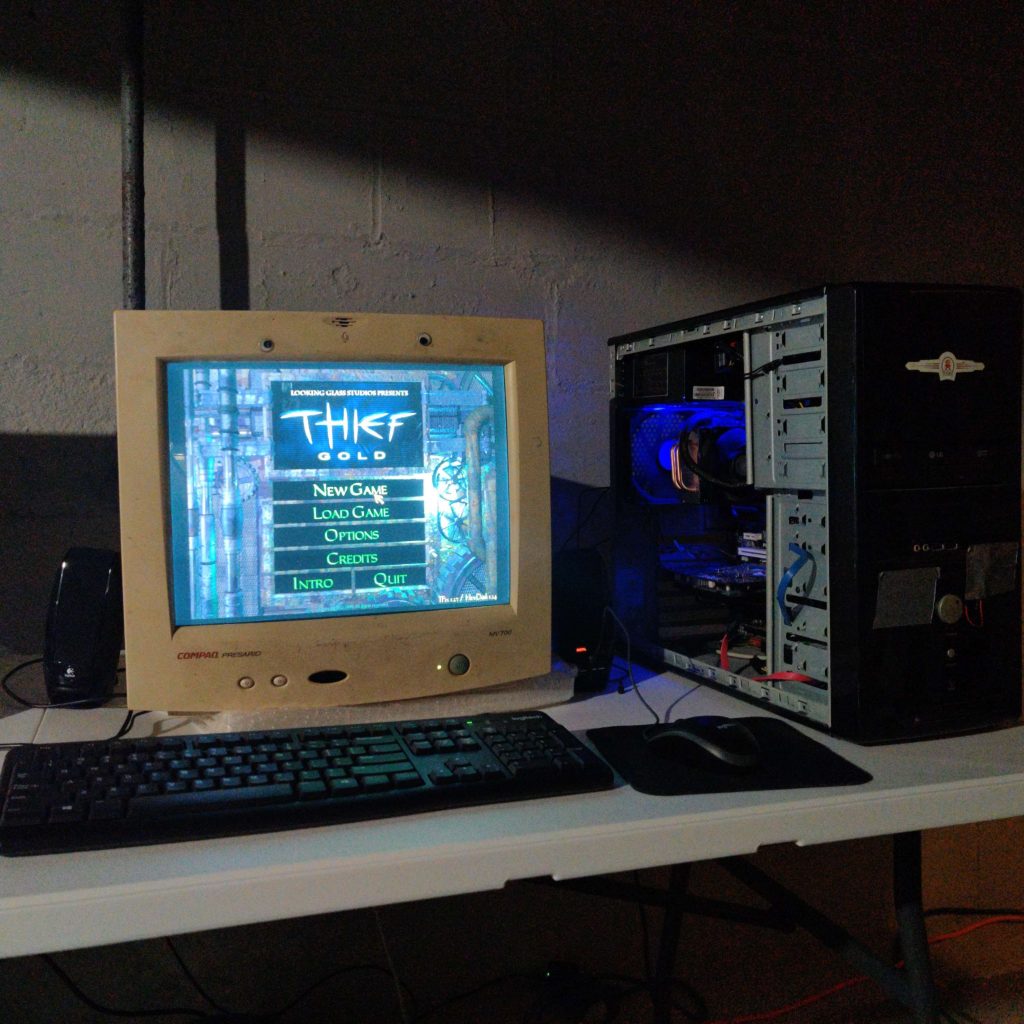
The problem gamers face today
Picture this: you find an old game you loved in your attic. You’ve got the CD, and nostalgia hits hard. You load it into your modern PC, hoping to relive some of that magic. But when you try to install it, you’re faced with all sorts of technical hurdles – missing drivers, unsupported resolutions, or simply the dreaded “This app can’t run on your PC” message. Even worse, some older games use outdated forms of copy protection that don’t work with modern operating systems, making it nearly impossible to even install the game legally.
For many gamers, the experience of trying to play these classic titles turns into a frustrating journey through obscure places on the Internet, trying to find workarounds or patches made by fans to make the game compatible. Some games require extra software like virtual machines or emulators just to get them running. Even then, it’s not uncommon for the game to be buggy or to crash unexpectedly.
Solution? Our mission of keeping games alive
The good news is that there are solutions to these compatibility issues. Our platform was created to keep classic games alive in the first place. It’s something that we specialize in and we’ve been doing it for over 16 years. GOG is not just about selling old games, we are going way beyond that. We actively adapt them to ensure they work seamlessly on new hardware and operating systems.
Every game you purchase on GOG is tailored to run on today’s machines. Whether it’s a game from the 90s or the early 2000s, we have dedicated people to make sure you can install and play it with just a few clicks. You don’t need to dig into settings, hunt down obscure drivers, or worry about installing emulators. Everything is pre-configured for you, making the experience as smooth as if you were playing a brand-new title. And that’s because, in our hearts, those titles will always stay brand-new.
While this could be perceived as bragging, we also commit great resources to preserve games that would otherwise be lost due to outdated copy protection or licensing issues. We remove or modify these protections to ensure that the game will function on modern platforms, giving old games a second life and preserving gaming history. Video games made us who we are today and preserving them is an essential part of GOG.
Supporting us means supporting gaming legacy
All we do wouldn’t be possible without your support. When buying from GOG you’re not only making it easier to play your favorite classic games, but you’re also helping to preserve video game history. Without it, many classic games would fade into obscurity, becoming unplayable on modern systems. The gaming industry moves quickly, and without our mutual, yours and ours, efforts, the art and creativity of older games could be lost to time.
Let’s keep nostalgia alive, together.
As gaming technology continues to evolve, the risk of losing access to classic titles grows. But we give no permission to let the magic of these games have to fade away. By adapting older games to run smoothly on modern systems, we want to make it easy for both seasoned players and new fans to enjoy the classics without any technical hassle.
Supporting these efforts not only helps maintain your gaming memories but also ensures that a crucial part of gaming history remains accessible for future generations. So, the next time your favorite childhood game doesn’t run on your new PC, remember that there’s still hope – and GOG will keep that hope alive.




forum Start the Discussion